
Product design
How to turn app screens into a short product demo
By Matias Amaya ·
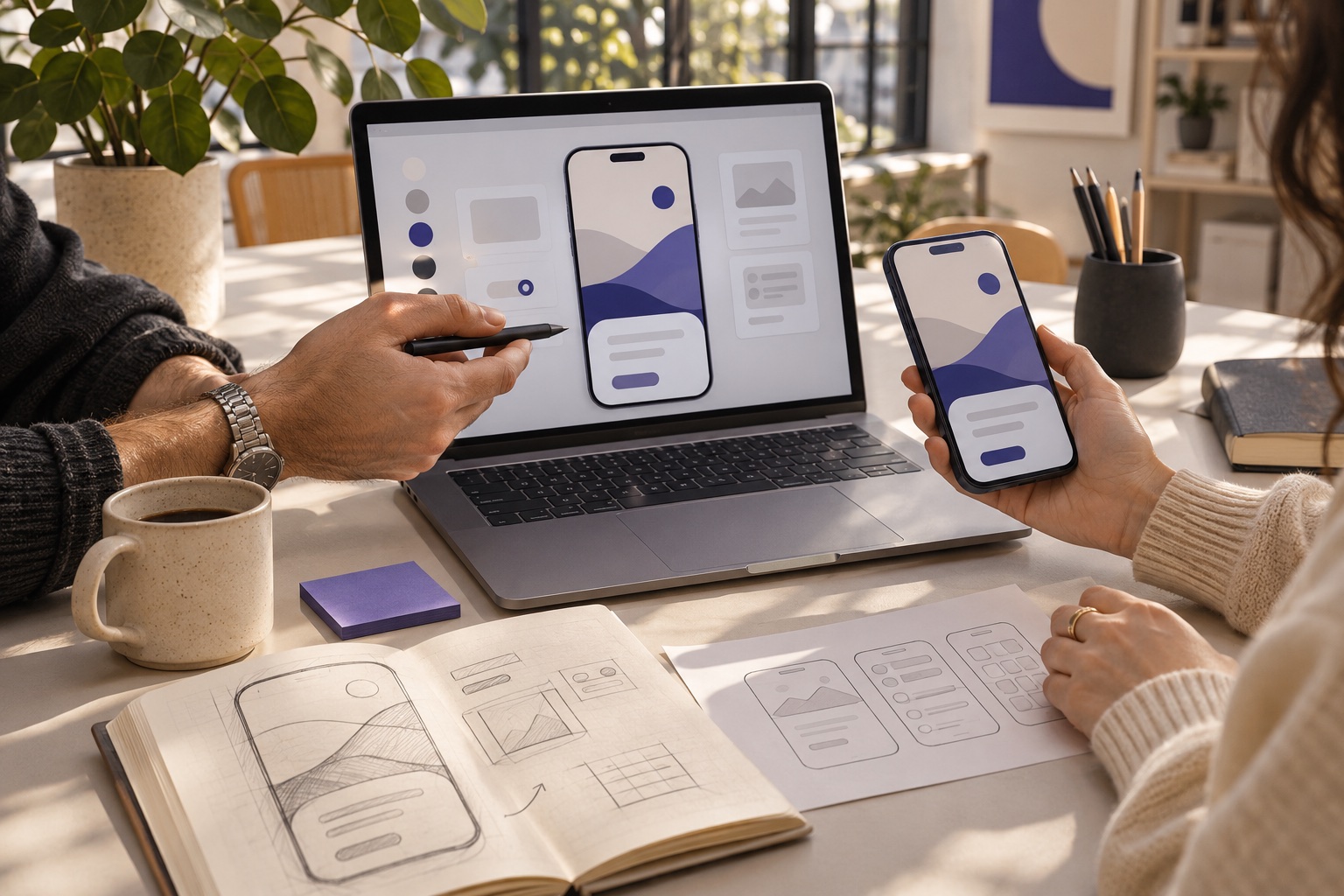
A product demo gives a visitor a short look at what using the app feels like. Pick one task that makes the benefit clear enough to see in a few screen changes.
Choose a task with a recognizable finish
A message sent, a shift logged, or a match joined gives viewers an obvious endpoint. Keep the opening screen focused on the choice that leads there. Use realistic sample names and figures that are safe to make public.
Let the visitor set the pace
Offer a clearly labeled play or try button and provide a short written explanation beside it. For motion, give people a way to pause and respect device settings for reduced motion. Make the same demo usable with a keyboard and on a narrow screen.
Close with an actual next step
When the preview is over, offer the appropriate website, signup page, or store listing. Keep the product link separate from the sample interaction, so someone can try the demo without accidentally starting an account or submitting information.